
Plan Your Visit
Plan Your First Visit
Arrival, Parking & RFID
-
Arrival
We recommend arriving 30 minutes prior to your reservation. For the first day of programs and private lessons, we highly suggest arriving a minimum of 45 minutes early.
-
Parking
Parking is free. We have a main lot as well as overflow parking for our busier days.
-
RFID
A one-time $5 RFID card fee applies. Your RFID card is your ticket for the day and can be reloaded for future visits.
Season passes and program passes cannot be reloaded onto the RFID card; reload rules and options can change from year to year.
Plan Your First Visit
Rental Timing
-
Programs
2 weeks in advance.
-
Daily rentals
30 minutes before ticket time.
Plan Your First Visit
What to Wear
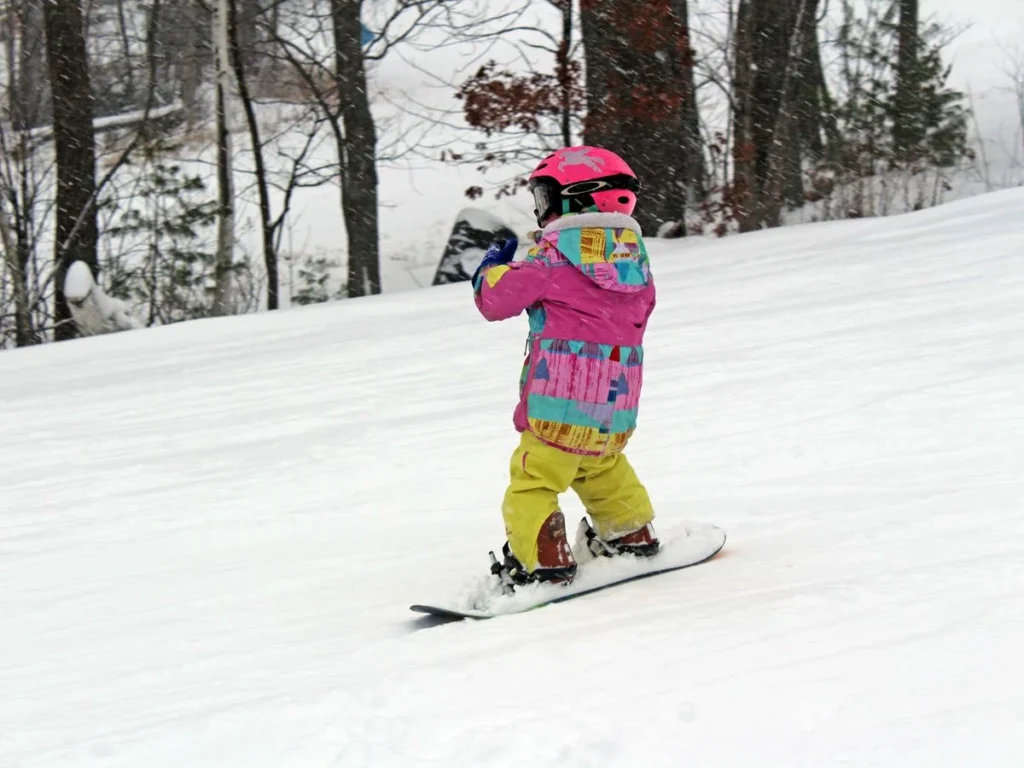
We recommend snow pants, gloves, a winter jacket, and a hat or helmet, plus base layers. Hats, gloves, and snow pants are available for purchase in the ski shop.
Plan Your First Visit
Program-Day Logistics for Parents
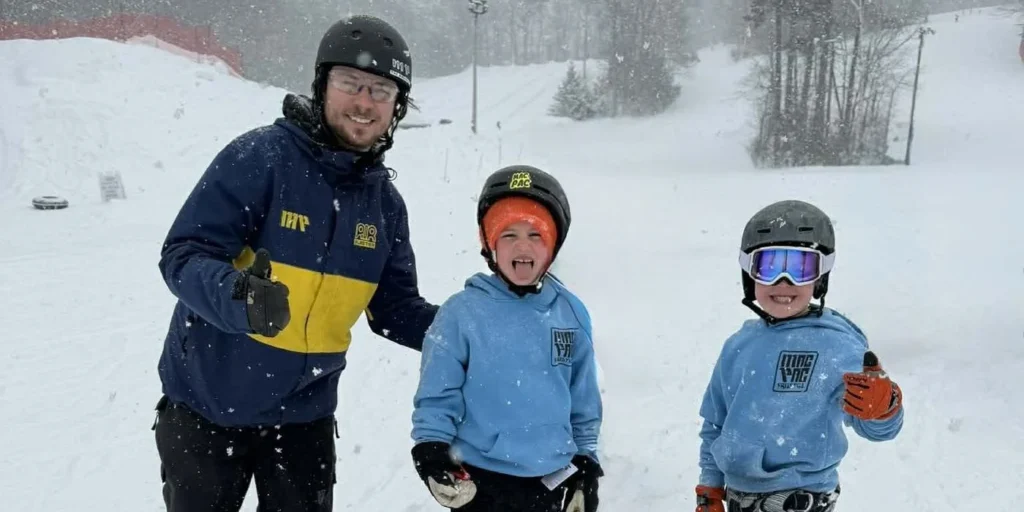
Drop off 45 minutes to 1 hour early. Pick up your program tag at Guest Services on the first day of lessons, you'll only need to check in on day 1, and the tag is valid for the entirety of the lessons. Then head to the designated cone number to meet your instructor.
Plan Your Visit
More in Plan Your Visit
- Lost & Found If a person calls or submits a form inquiring about an item in our possession, they have 14 days to retrieve it.
- Directions & Parking Located in the heart of Manchester, Exit 8 off I-93
- Mountain Safety The full 10-point Responsibility Code
- About & History Over 8,000 kids and adults attend our snowsports program every year!
- Contact 603-622-6159 · 50 Chalet Way, Manchester, NH 03104
- Careers The Hill Bar & Grille positions · Winter positions